By: Mahmoud Darwish
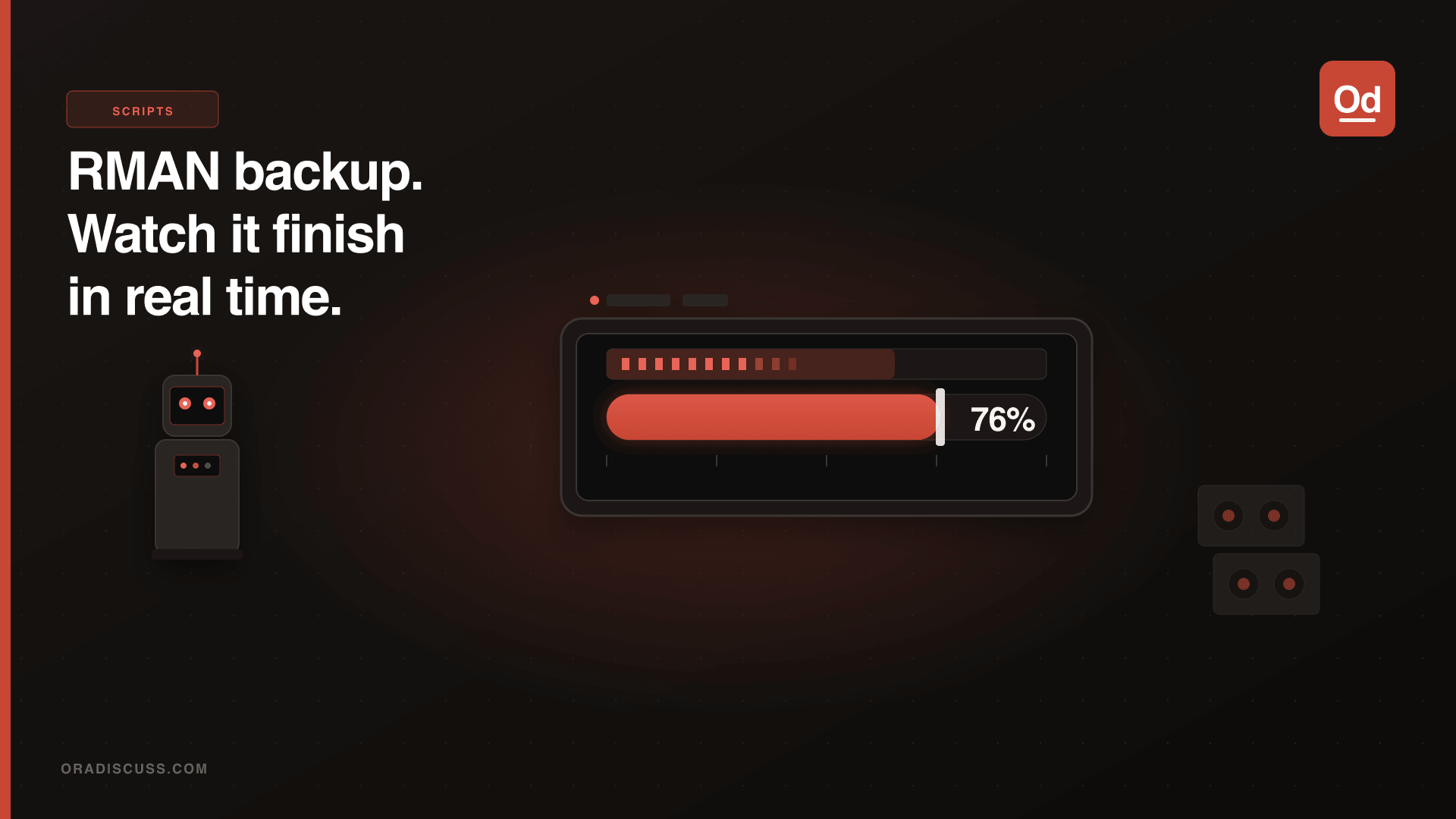
It was a very long time since writing in this blog — here we are back again! I was looking for a proper and accurate way to monitor the progress of RMAN backups. The scripts below can be used to monitor progress efficiently.
Script 1: RMAN Backup Progress via V$RMAN_STATUS
This gives you an overview of the running backup including compression ratio and estimated completion time:
SELECT recid,
       output_device_type,
       dbsize_mbytes,
       input_bytes/1024/1024                           AS input_mbytes,
       output_bytes/1024/1024                          AS output_mbytes,
       (output_bytes/input_bytes*100)                  AS compression_pct,
       (mbytes_processed/dbsize_mbytes*100)            AS pct_complete,
       TO_CHAR(start_time +
         (SYSDATE - start_time) /
         (mbytes_processed/dbsize_mbytes),
         'DD-MON-YYYY HH24:MI:SS')                    AS est_complete
FROM   v$rman_status rs,
       (SELECT SUM(bytes)/1024/1024 dbsize_mbytes FROM v$datafile)
WHERE  status = 'RUNNING'
AND    output_device_type IS NOT NULL;
Script 2: Long Operations Monitor via V$SESSION_LONGOPS
This shows all long-running operations including RMAN with percentage completion:
SELECT SID, SERIAL#, opname, SOFAR, TOTALWORK,
       ROUND(SOFAR/TOTALWORK*100,2) AS pct_complete
FROM   V$SESSION_LONGOPS
WHERE  TOTALWORK != 0
AND    SOFAR != TOTALWORK
ORDER BY 1;
Both scripts complement each other — use V$RMAN_STATUS for the high-level backup view and V$SESSION_LONGOPS for the detailed operation-by-operation progress, including index rebuilds, stats gathering, and other long-running DBA tasks.