By: Mahmoud Darwish
I’ve done enough database migrations to stop believing in “smooth” ones. There are migrations that go according to plan, and migrations that teach you something. This one did both.
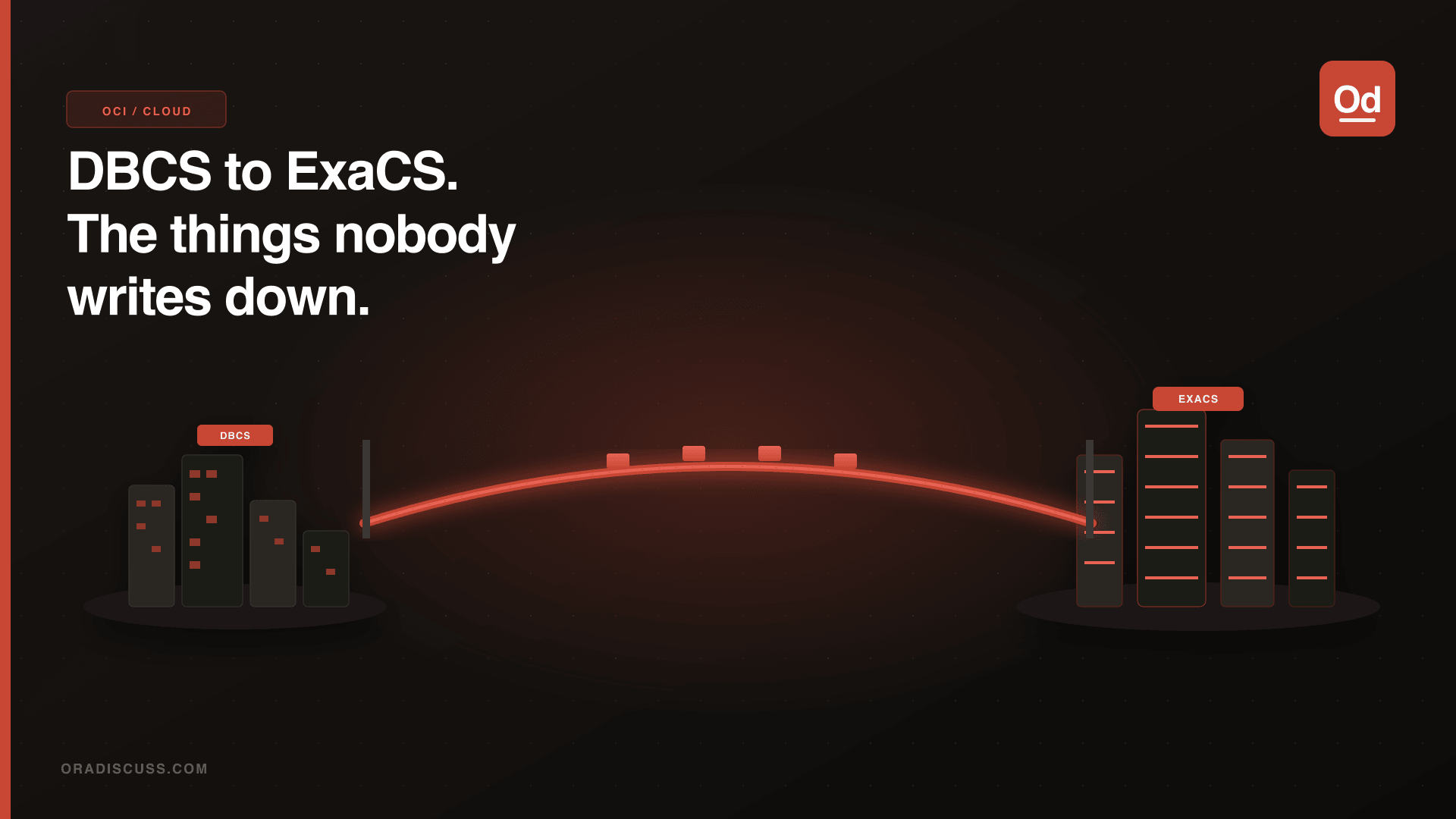
Earlier this year we migrated several core databases from Oracle Base Database Service (DBCS) on OCI to Oracle Exadata Database Service on Dedicated Infrastructure (ExaCS). Same region, same VCN, but a completely different platform under the hood.
Why We Left DBCS
Three specific pain points drove the decision:
I/O latency. DBCS VM shapes use iSCSI block volumes for storage. It works, but it is not Exadata. Once you see latency numbers from Exadata’s RDMA over Converged Ethernet storage fabric, it’s hard to go back.
Smart Scan. Our batch reporting jobs are heavy full-scan workloads. On DBCS, there is no storage offloading; every byte goes through the standard I/O path. On ExaCS, those same queries push predicate filtering down to the storage cells.
Infrastructure flexibility. ExaCS allows multiple VM Clusters on the same dedicated Exadata infrastructure, each with scalable OCPUs and storage.
Pre-Migration: Workload Fingerprinting
Before touching a single OCI resource, I ran a thorough workload analysis on the source DBCS environment:
SELECT sql_id,
       ROUND(elapsed_time_total / 1000000, 2)    AS elapsed_sec,
       executions_total,
       ROUND(elapsed_time_total /
             NULLIF(executions_total, 0) / 1000000, 4) AS avg_elapsed_sec
FROM   dba_hist_sqlstat s
JOIN   dba_hist_sqltext t USING (sql_id)
WHERE  snap_id BETWEEN (
         SELECT MIN(snap_id) FROM dba_hist_snapshot
         WHERE  begin_interval_time > SYSDATE - 14)
       AND (SELECT MAX(snap_id) FROM dba_hist_snapshot)
ORDER BY elapsed_time_total DESC
FETCH FIRST 25 ROWS ONLY;
Also run a feature usage check to avoid licensing surprises:
SELECT name, detected_usages, currently_used
FROM   dba_feature_usage_statistics
WHERE  currently_used = 'TRUE'
ORDER BY detected_usages DESC;
Choosing the Migration Method
We had four realistic options. We didn’t use the same method for every database.
Option 1: Data Guard Physical Standby Migration
My preferred method for large, critical databases. Build ExaCS as a physical standby of the source DBCS, let it sync fully, then perform a controlled switchover. Application downtime is limited to the switchover itself — typically 2–4 minutes on a healthy configuration.
-- Verify on SOURCE DBCS
SELECT log_mode, force_logging, db_unique_name
FROM   gv$database;
-- Expect: LOG_MODE=ARCHIVELOG, FORCE_LOGGING=YES

-- Set Data Guard parameters
ALTER SYSTEM SET log_archive_dest_2 =
  'SERVICE=exacs_standby ASYNC
   VALID_FOR=(ONLINE_LOGFILES,PRIMARY_ROLE)
   DB_UNIQUE_NAME=exacs_standby' SCOPE=BOTH;

-- Monitor lag
SELECT name, value, unit
FROM   gv$dataguard_stats
WHERE  name IN ('transport lag', 'apply lag', 'apply finish time');

-- Switchover
ALTER DATABASE COMMIT TO SWITCHOVER TO PHYSICAL STANDBY
  WITH SESSION SHUTDOWN;
-- On ExaCS:
ALTER DATABASE COMMIT TO SWITCHOVER TO PRIMARY
  WITH SESSION SHUTDOWN;
ALTER DATABASE OPEN;
Option 2: RMAN Backup/Restore
Take a full RMAN backup from DBCS to OCI Object Storage, then restore onto the ExaCS target. Simpler to set up, but requires a downtime window proportional to database size. For databases under 500GB with an acceptable maintenance window, this is fast and reliable.
Option 3: Data Pump
Best for smaller schemas or logical migrations. Not practical for large transactional databases due to export/import overhead, but ideal for dev/test environments.
Option 4: CREATE PLUGGABLE DATABASE FROM Source@DBLink
If both source DBCS and target ExaCS are running CDB/PDB architecture, you can clone a PDB directly across a database link. The source PDB must be in READ ONLY mode during the clone.
-- On TARGET ExaCS — create the DB link
CREATE DATABASE LINK dbcs_source_link
  CONNECT TO clone_link_user IDENTIFIED BY "<password>"
  USING '(DESCRIPTION=(ADDRESS=(PROTOCOL=TCP)
    (HOST=<source_scan>)(PORT=1521))
    (CONNECT_DATA=(SERVICE_NAME=<cdb_service>)))';

-- Put source PDB in READ ONLY (brief outage starts here)
ALTER PLUGGABLE DATABASE pdb_prod CLOSE IMMEDIATE;
ALTER PLUGGABLE DATABASE pdb_prod OPEN READ ONLY;

-- Execute remote clone on TARGET
CREATE PLUGGABLE DATABASE pdb_prod_exacs
  FROM pdb_prod@dbcs_source_link
  FILE_NAME_CONVERT = ('+DATAC1', '+DATAX1')
  STORAGE UNLIMITED TEMPFILE REUSE;
DBCS-Specific Gotchas
TDE is mandatory on DBCS. Make sure your TDE wallet password is known, documented, and synchronized between source and target before any cutover activity. It sounds obvious. It becomes non-obvious at 11pm.
RAC conversion happens automatically with Data Guard. But your application needs to connect via the SCAN address. Hunt down every hardcoded connection string before your cutover window.
Backup configuration doesn’t transfer. Whatever automatic backup policy was running on your DBCS needs to be manually re-established on ExaCS post-migration.
The Cutover Night
We had a 2-hour window. Actual database activities took about 75 minutes. Two things saved us: we validated SCAN resolution from all application servers the week before the window, and we had a rehearsed rollback plan with the DBCS connection string kept live until we were satisfied.
Post-Migration Wins
After a week of hypercare monitoring, the results were clear. Peak-hour transaction processing time dropped noticeably. Batch reporting jobs finished hours earlier. Smart Scan offloading on full-scan queries is a genuinely different experience. Keep the source DBCS running for at least a full week after cutover.