By: Mahmoud Darwish
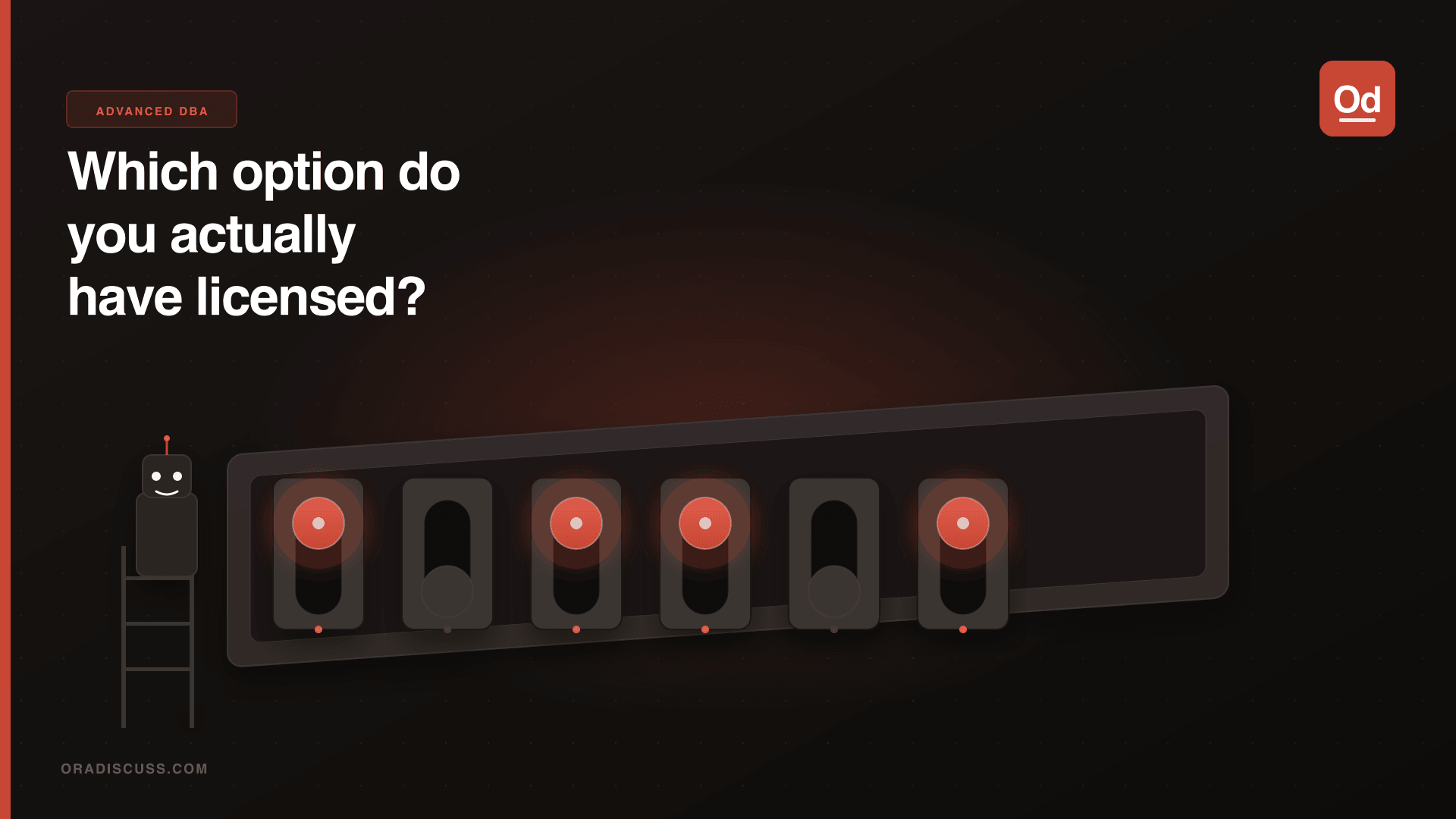
This is a pure licensing post, but it is really important for DBAs to know how to do it correctly. After installing a new 11.2 Enterprise Edition, Oracle installs all database options by default, including ones you may not be licensed to use.
Checking Which Options Are Currently Enabled
-- Check if Partitioning is enabled:
SELECT * FROM v$option WHERE parameter = 'Partitioning';

PARAMETER         VALUE
----------------- -----
Partitioning      TRUE

-- Check the value programmatically:
SELECT value FROM v$option WHERE parameter = 'Partitioning';
-- Returns 1 if enabled, 0 if disabled
Using the chopt Utility
Starting with Oracle 11.2, a utility called chopt can be used on Unix/Linux and Windows to enable or disable specific database options. It is located in $ORACLE_HOME/bin.
Important: Shut down the database and all services in the same ORACLE_HOME before running chopt, as it rebuilds the Oracle executable.
-- Disable Partitioning option:
$ chopt disable partitioning
Writing to /u01/app/oracle/product/11.2.0/dbhome_1/install/disable_partitioning.log...

-- Enable it back:
$ chopt enable partitioning
Available Options in 11.2
$ chopt
usage: chopt <enable|disable> <option>
options:
  dm           = Oracle Data Mining RDBMS Files
  dv           = Oracle Database Vault
  lbac         = Oracle Label Security
  olap         = Oracle OLAP
  partitioning = Oracle Partitioning
  rat          = Oracle Real Application Testing
Verify the Change
-- After restart, verify:
SELECT * FROM v$option WHERE parameter = 'Partitioning';

PARAMETER         VALUE
----------------- -----
Partitioning      FALSE
This can be used to reduce licensing costs for non-used features. Always verify with your Oracle licensing team before disabling options in production environments. Refer to MOS Doc ID 1312416.1 for common questions on the Partitioning option.