By: Mahmoud Darwish
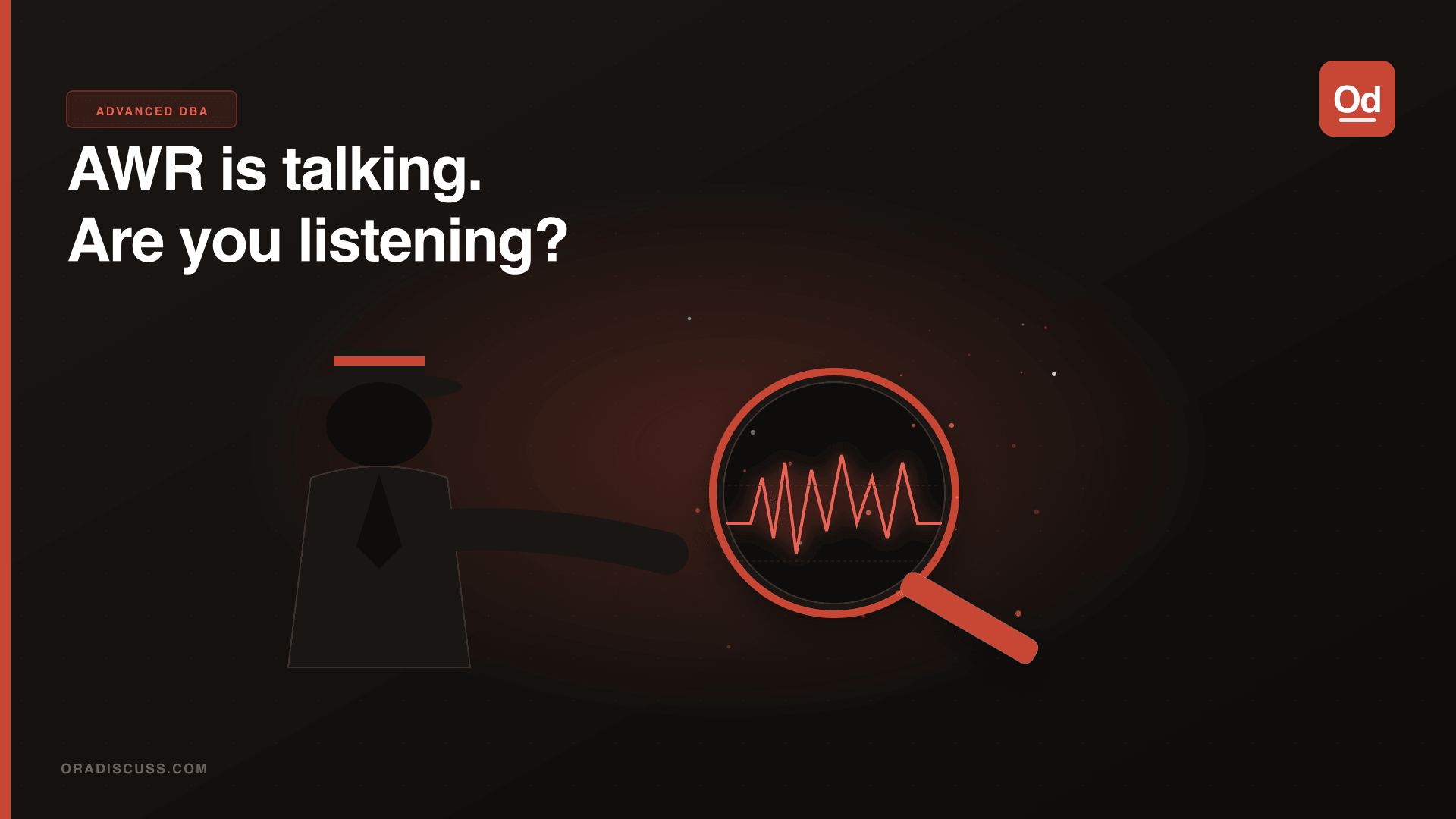
Here’s a confession: for the first couple of years of my DBA career, I used AWR reports the wrong way. I’d run the report, scroll straight to “Top 5 Timed Events,” see something like db file sequential read or log file sync, and then go Google “how to fix log file sync” — as if the wait event itself was the answer, rather than a symptom.
It took a few painful production incidents to teach me that AWR is a conversation, not a diagnosis. You have to learn how to read it, not just react to it.
Step 0: Context Before Content
Before you read a single line of the AWR report, ask yourself:
- What was the expected behavior during this window?
- What was the actual behavior that prompted this investigation?
- Is there a baseline comparison available?
An AWR snapshot without context is just numbers. A DB time of 450 minutes over one hour sounds alarming, but if you have 64 CPUs and the application was processing a legitimate peak load, that might be perfectly fine. Context determines which.
Always generate a comparative AWR against a known-good window:
@$ORACLE_HOME/rdbms/admin/awrddrpt.sqlThe difference report (awrddrpt) is underused. It shows you what changed between two time periods, not just a snapshot of the bad time.
Step 1: DB Time and Load Profile — The Vital Signs
The first thing I look at is the Load Profile section. Specifically:
- DB Time per Second — your headline number. A number close to or exceeding your CPU count suggests you’re fully utilizing (or over-utilizing) the system.
- Logical Reads vs Physical Reads per Second — sudden spikes in physical reads mean something changed: a new query plan, a cache eviction, a new table scan where there wasn’t one before.
- Redo Size per Second — unusually high redo often points to bulk DML, large array inserts, or a runaway session.
If these numbers look normal compared to your baseline, the problem you’re investigating might not be a database problem at all.
Step 2: Wait Events — Read the Story, Not the Headline
The mistake is treating each wait event in isolation. Consider this example:
gc buffer busy acquired       45.2%  of wait time
gc cr request                 18.3%  of wait time
log file sync                 12.1%  of wait time
A lot of people would start tuning for gc buffer busy acquired immediately. But look at the story these three events tell together. You have heavy inter-node block transfer (gc buffer busy, gc cr request) AND commit bottleneck (log file sync). That’s a pattern — a high-write, high-sharing workload where both the commit path and the block transfer path are under strain. The solution space is completely different from if you had only gc buffer busy at the top.
Read the wait events as a pattern, not as individual items on a to-do list.
Step 3: SQL Statistics — Find Your Criminals
After wait events, I look at three SQL sections:
- SQL ordered by Elapsed Time — your highest-impact SQL
- SQL ordered by Gets — your highest logical read consumers
- SQL ordered by Executions — a “fast” query that runs 50,000 times per minute can be more impactful than one slow query
The gets per execution ratio is something I always calculate mentally. A query doing 500,000 logical reads once per hour is very different from one doing 5,000 logical reads 10,000 times per hour. Same total gets, completely different tuning approach.
When you find a suspicious SQL_ID, check for plan changes:
SELECT *
FROM   dba_hist_sql_plan
WHERE  sql_id = '&sql_id'
ORDER BY snap_id DESC;
Performance degradation often has nothing to do with data growth or load — it’s simply that the optimizer chose a different plan. SQL Plan Baselines (SPM) exist precisely for this reason.
Step 4: Segment Statistics — Where on Disk Is the Pain?
Segments by Logical Reads and Segments by Physical Reads tell you exactly which tables and indexes are driving your I/O. This closes the loop:
- You know what’s slow (wait events)
- You know which SQL is involved (SQL statistics)
- Now you know which objects that SQL is hammering (segment statistics)
If you see an index appearing in “Segments by Physical Reads” that has no business being scanned heavily — that’s a plan regression. If a table appears that shouldn’t be touched by any of your top SQL — you’ve found a rogue query.
The One Rule I Follow
Every time I investigate a performance issue, I write down my hypothesis before I look at the next section of the AWR. It forces me to think rather than just scroll. “I believe the problem is X, and I expect to see Y evidence in the next section.”
When my hypothesis is wrong, I learn something. When it’s right, I’ve found the problem faster because I was looking for specific evidence rather than browsing.
AWR is one of the most powerful diagnostic tools in Oracle’s ecosystem. Treat it like a conversation, ask it questions, and actually listen to the answers.